
Build your container online and follow it to your door.
The American Foods portal puts the catalog, your load, your orders and your documents in one place, in English and Spanish, on a computer or a phone.
Your American Foods account manager sets up your access.
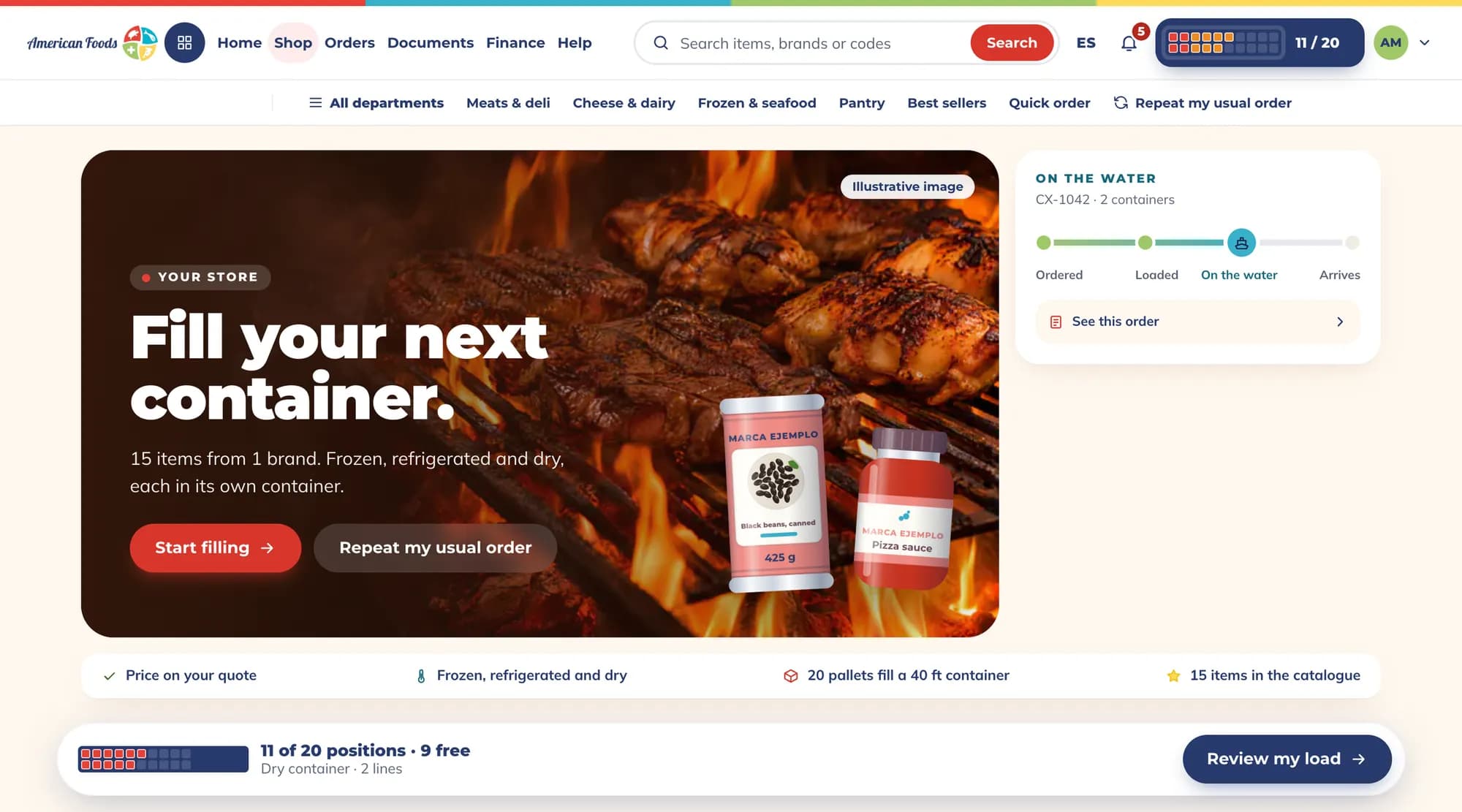
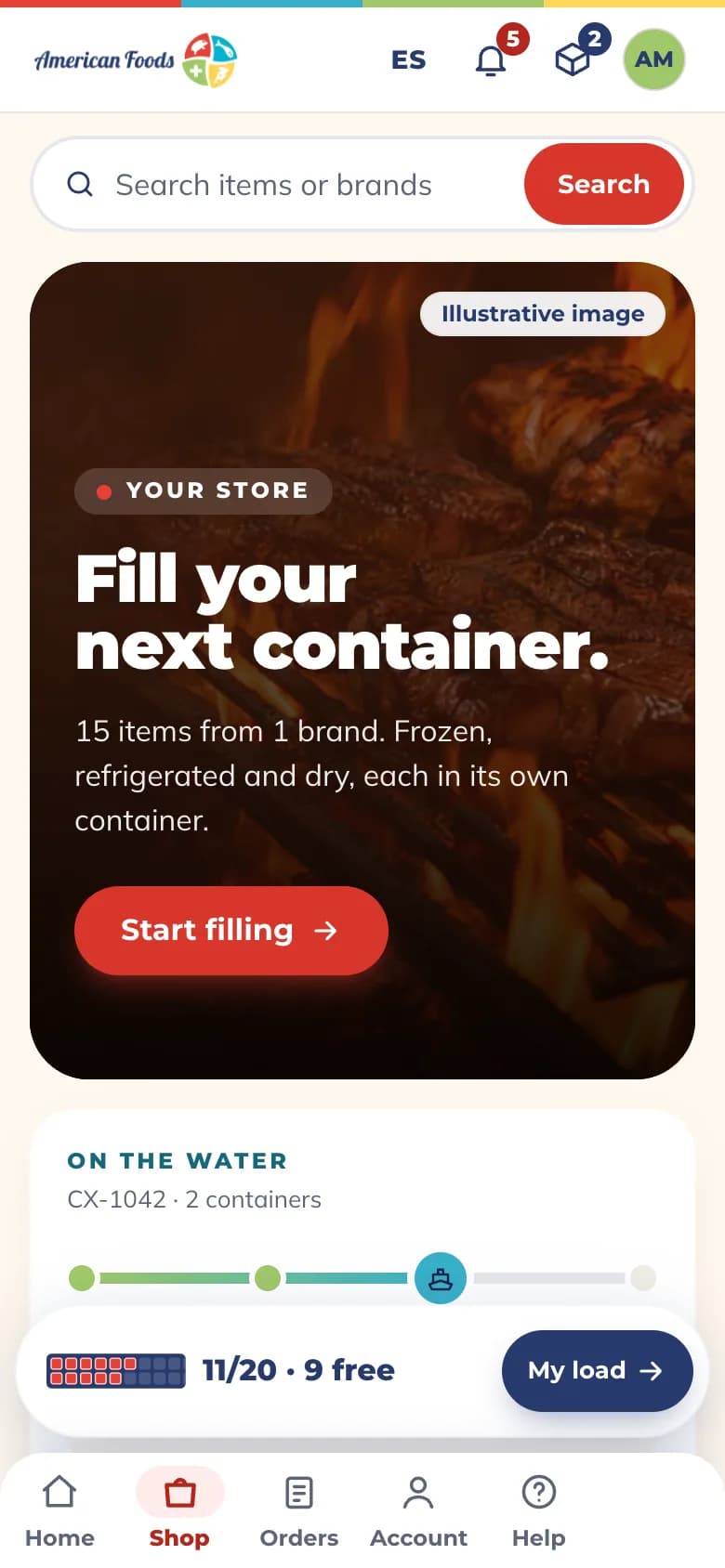
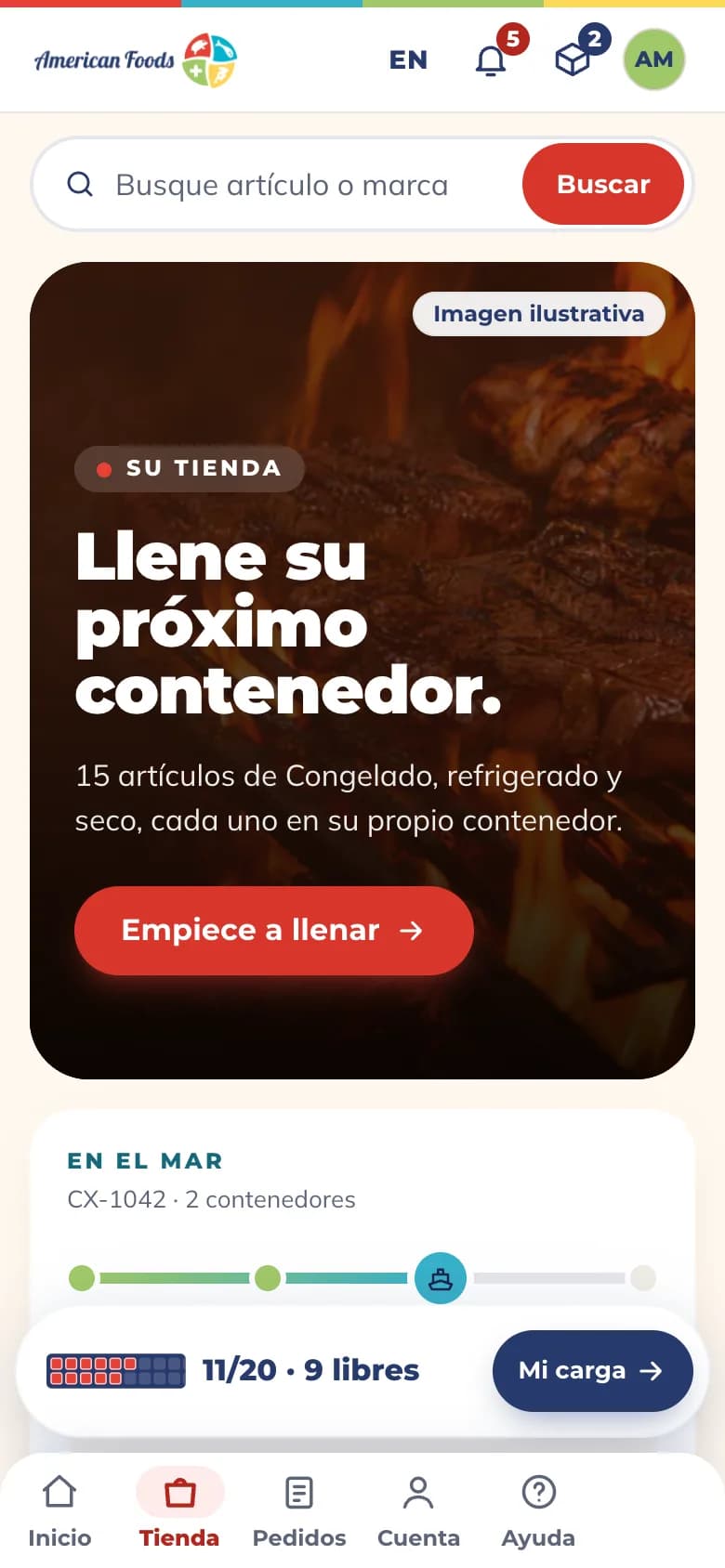
Shop the catalog by aisle and watch your container fill.
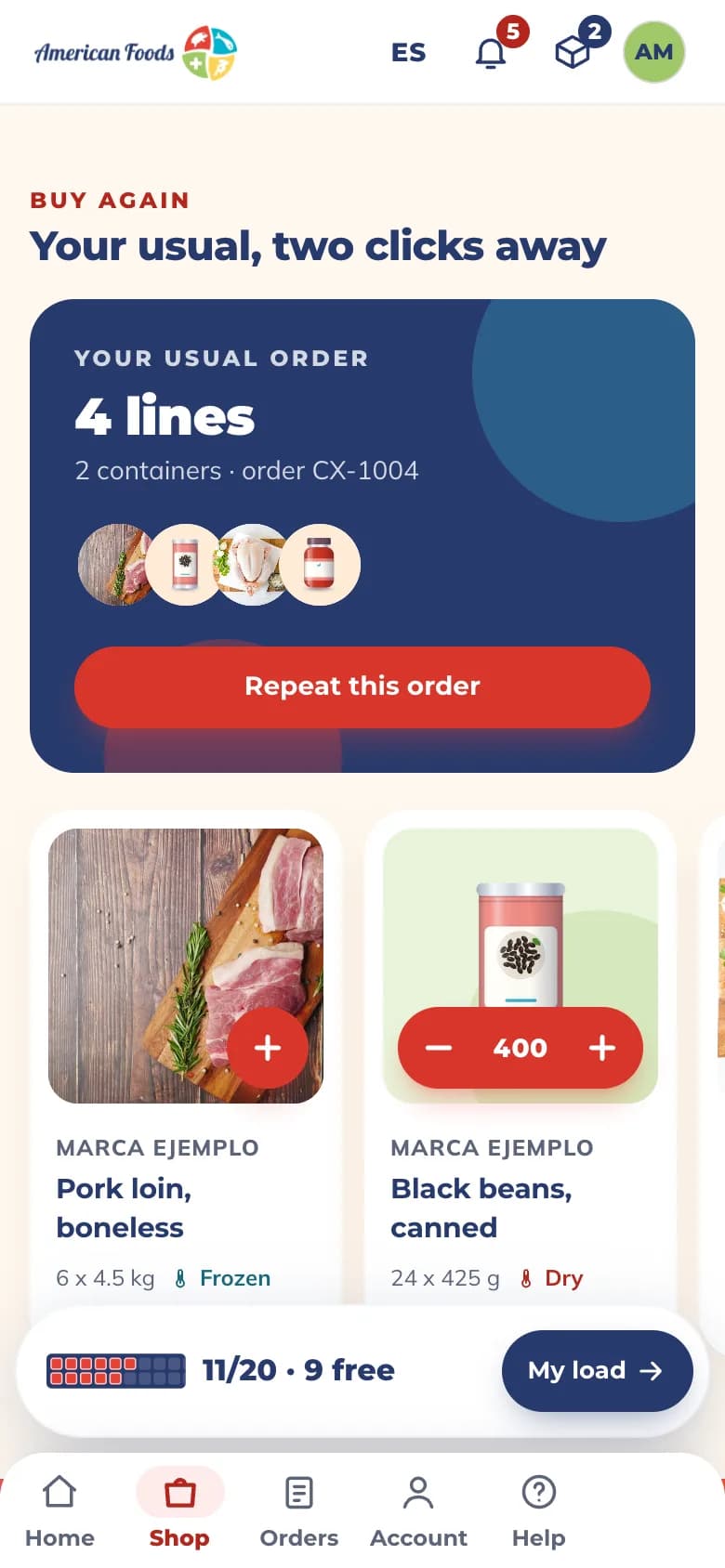
Browse the aisles or search by item, brand or code. Each pallet you add takes its place in the container, and you see how many positions are still free.
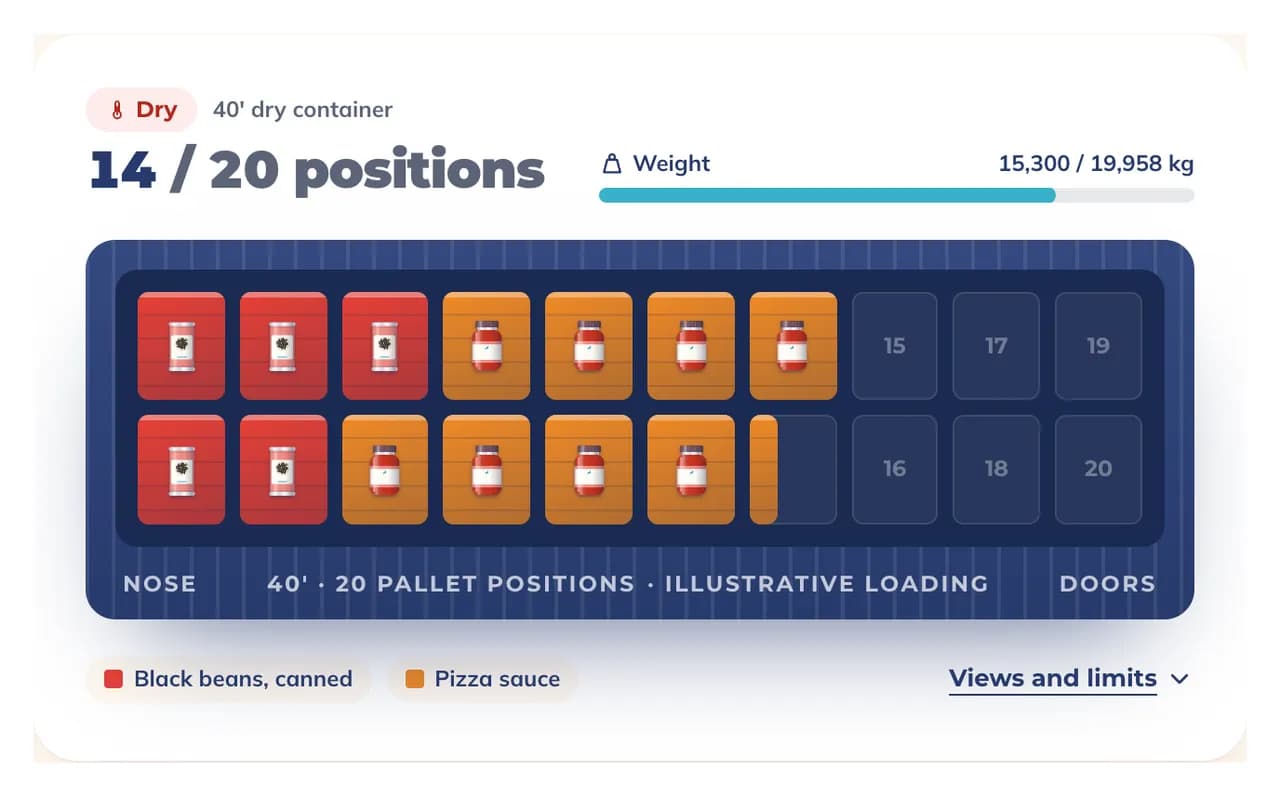
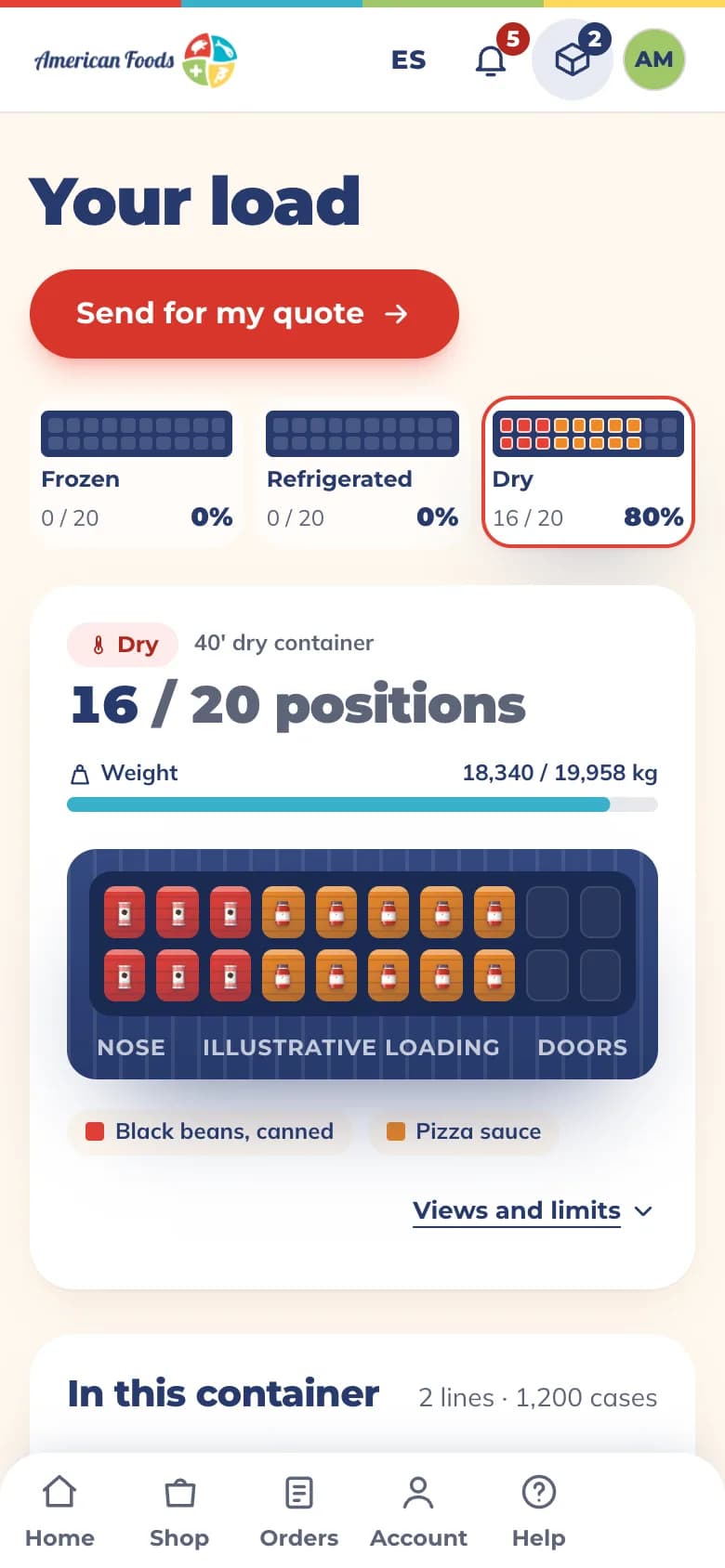
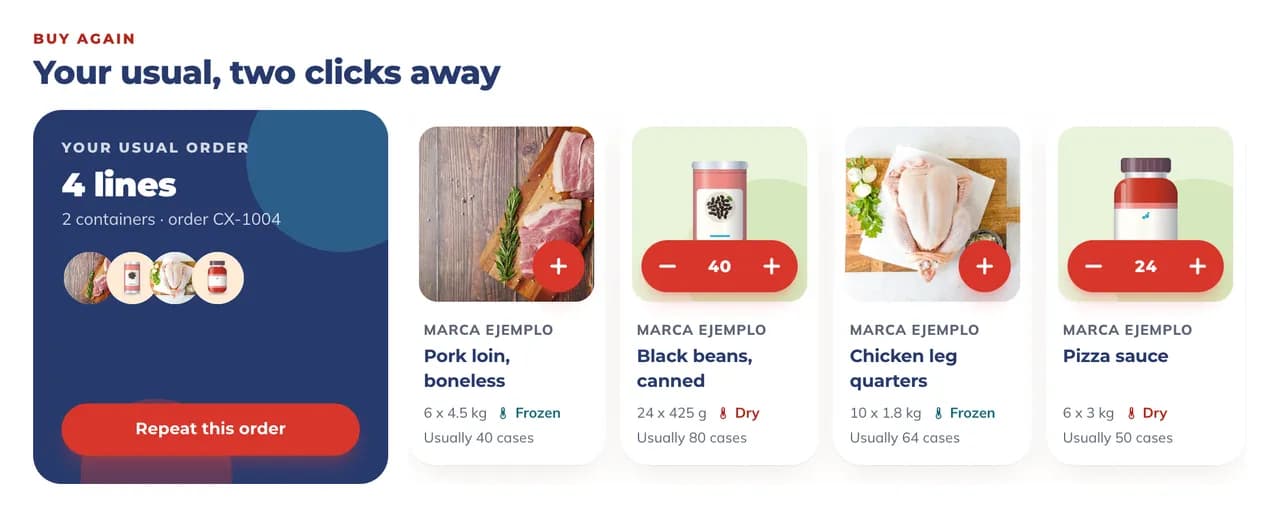
Repeat your usual order in two clicks.
Start from your usual order and change only what is different this time.
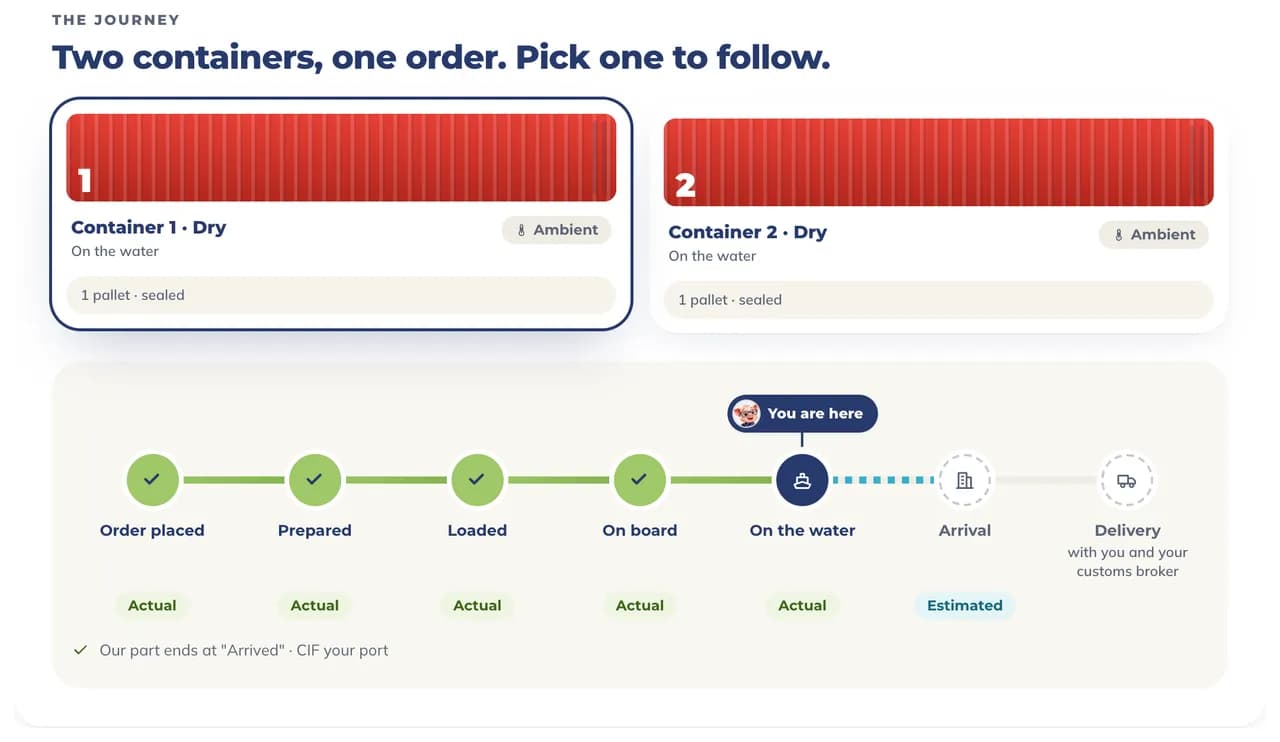
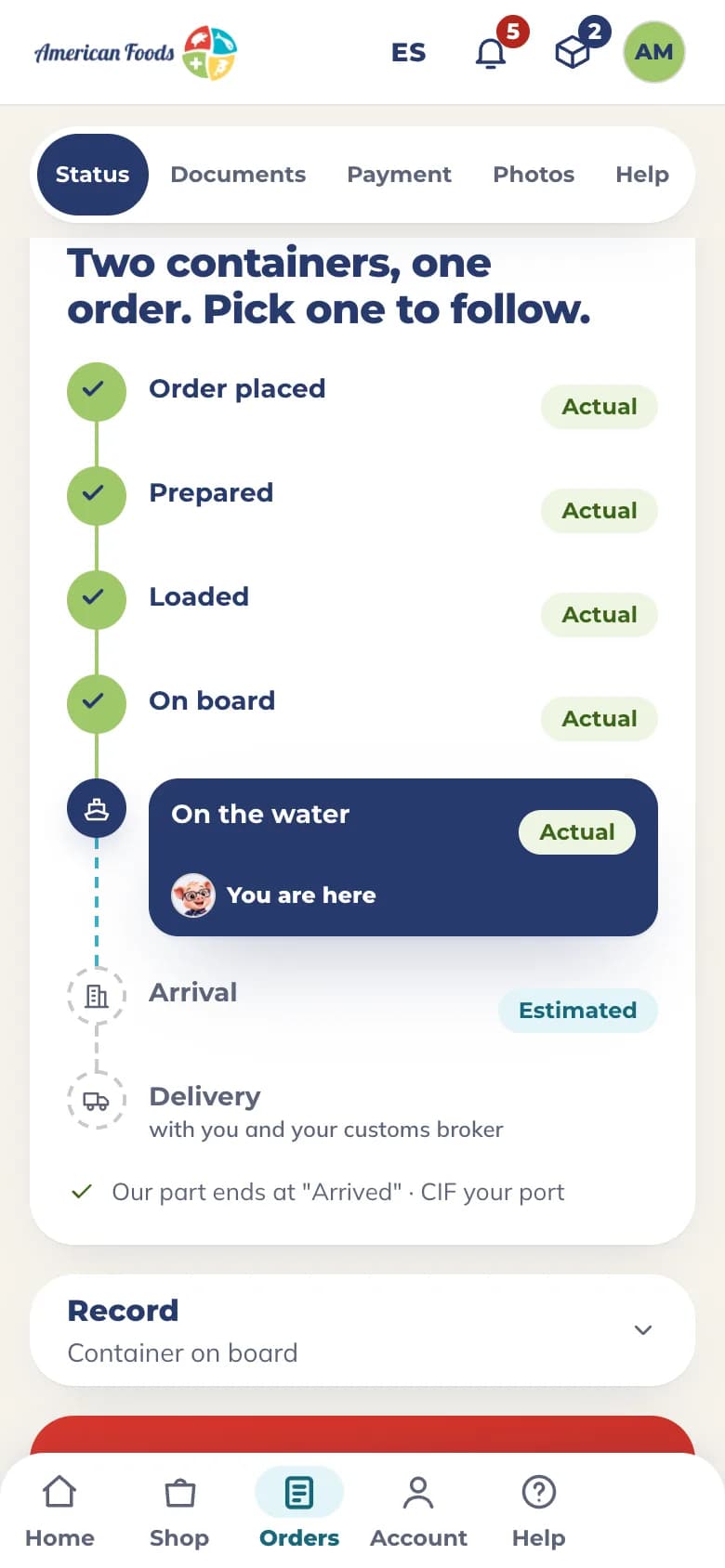
Follow each order from our warehouse to arrival.
See every container stage by stage: prepared, loaded, on board, on the water, arrived.
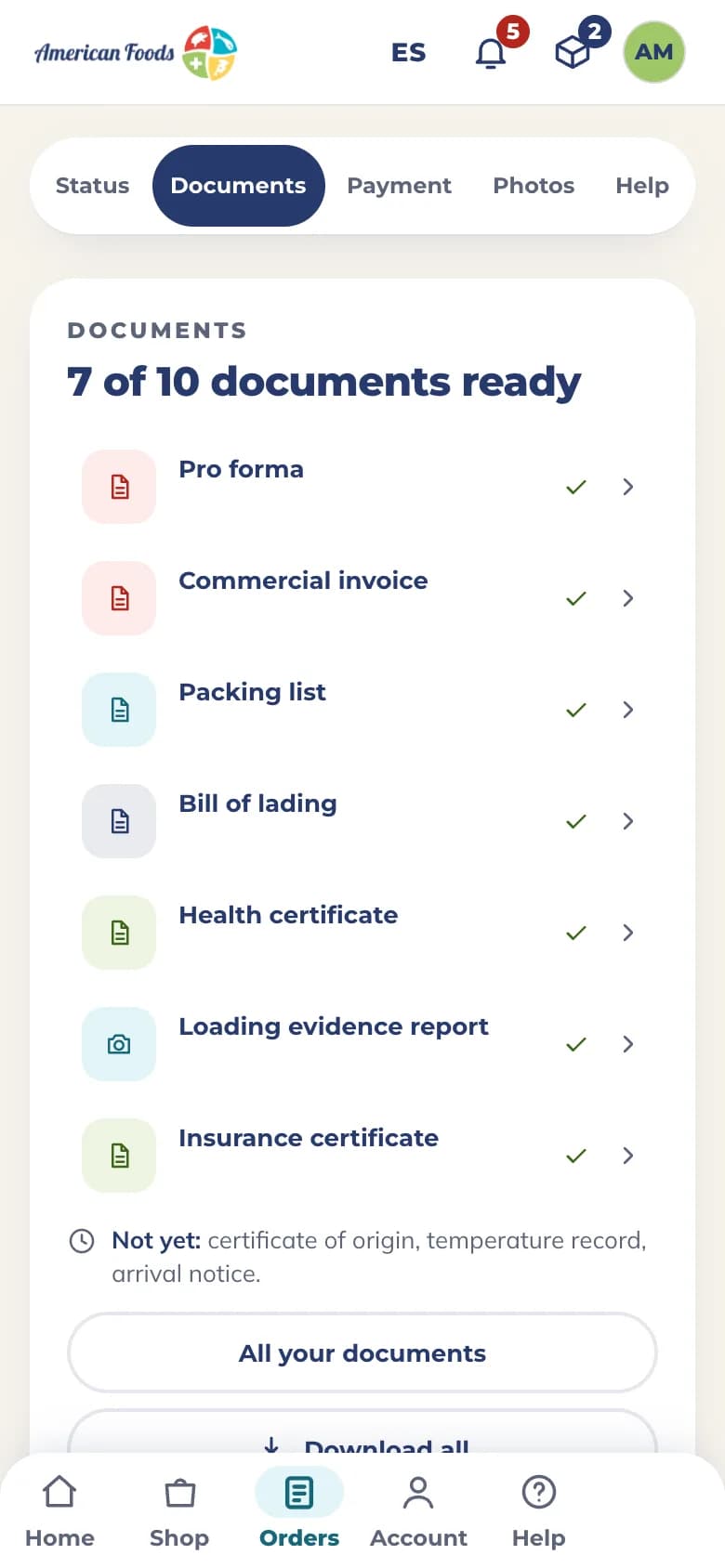
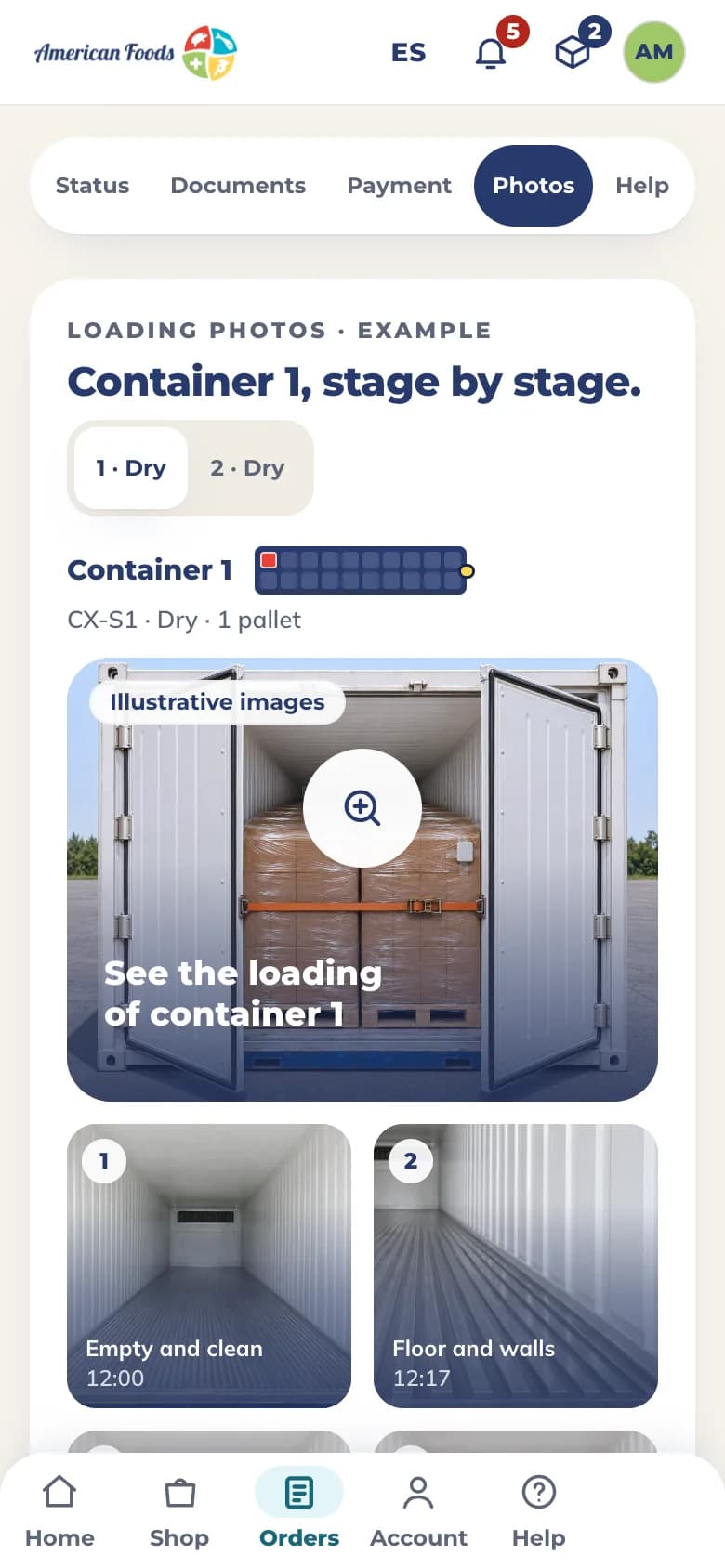
The documents and the loading photographs, on the order’s own page.
Each order keeps its documents and the photographs of its loading in one place, so you do not have to look for them in your email.
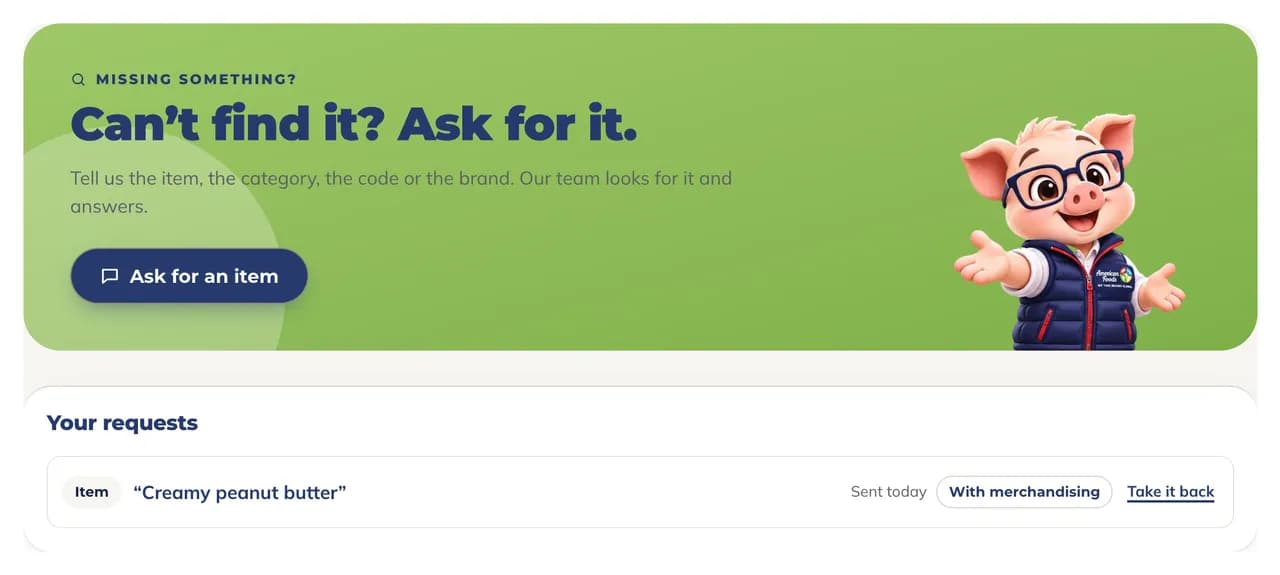
Can’t find an item? Ask for it.
Tell us the item, the category, the code or the brand. Our team looks for it and answers, and your request stays on your list.
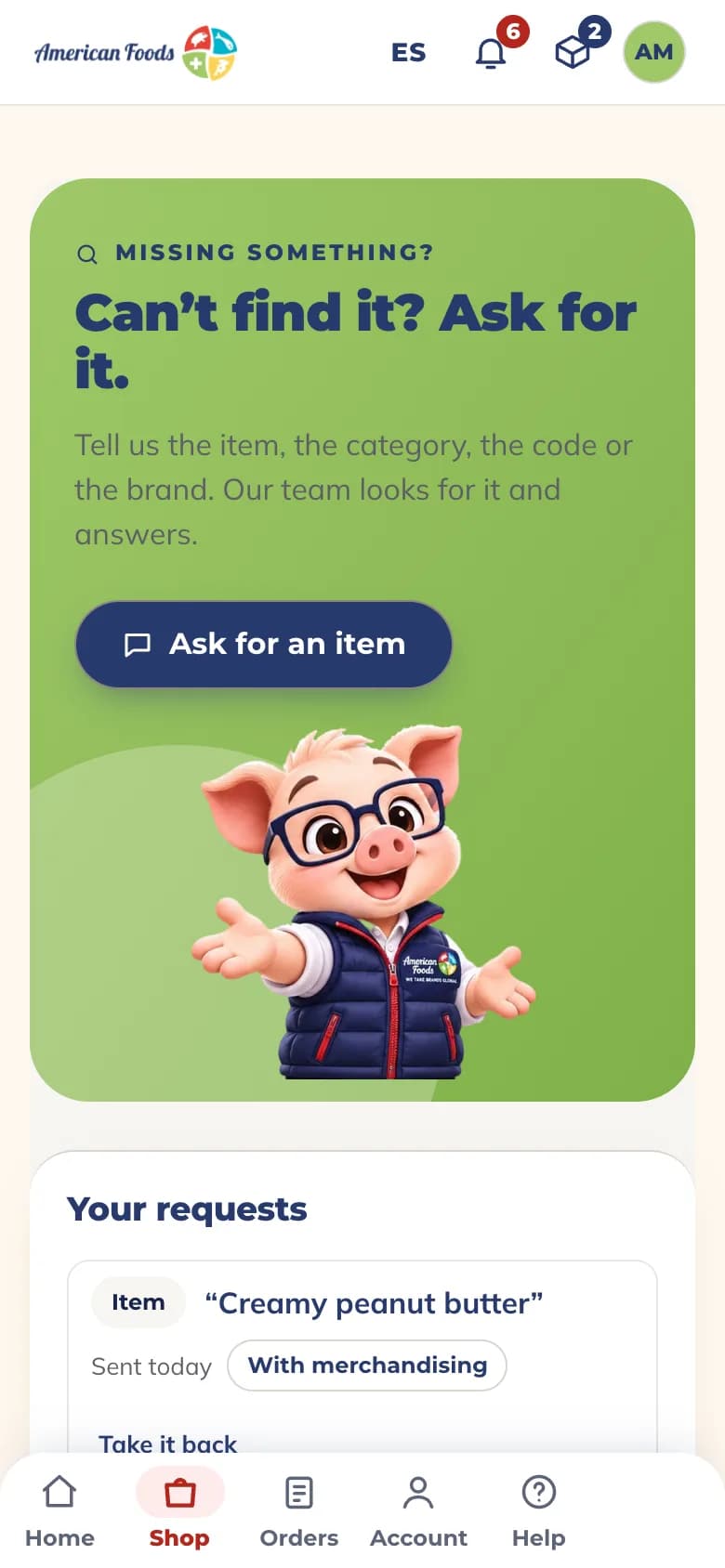
Works on the phone you already have.
Open the portal in your phone’s browser: the same store, the same load, the same orders and documents, in English and Spanish.
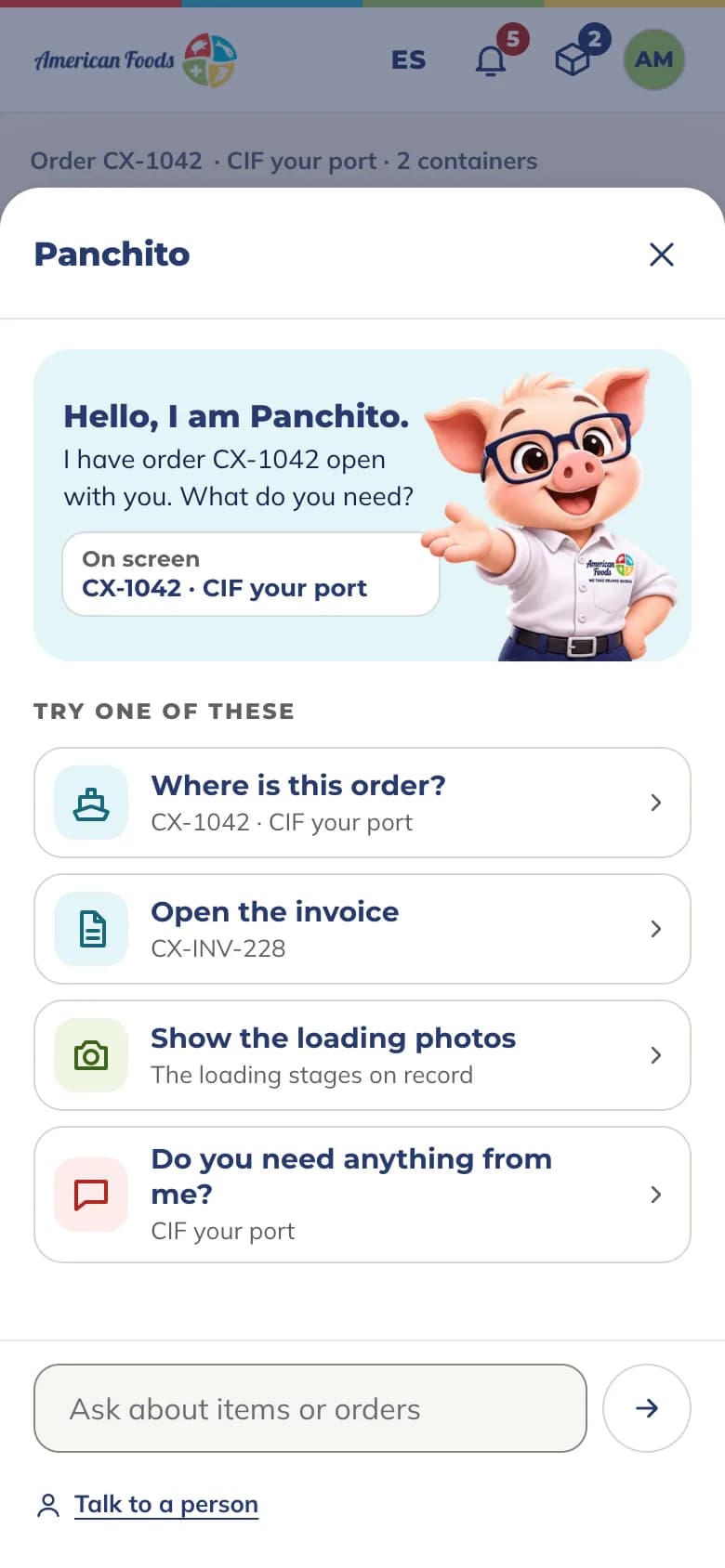
Meet Panchito.
Panchito is the portal’s assistant. Ask him from any page.
- Helps you find items in the catalog
- Checks an order and opens its documents for you
- Hands your question to a person on your account team

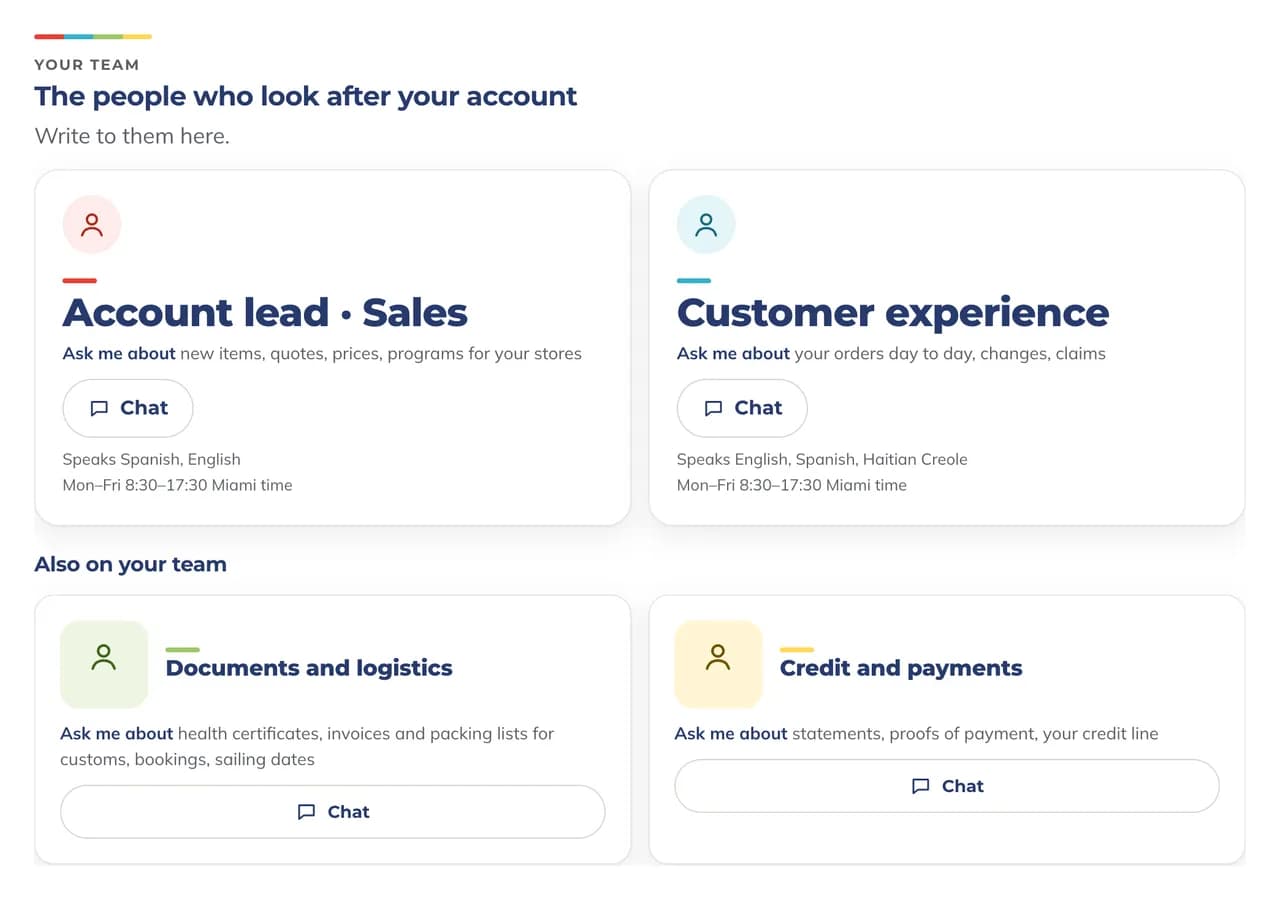
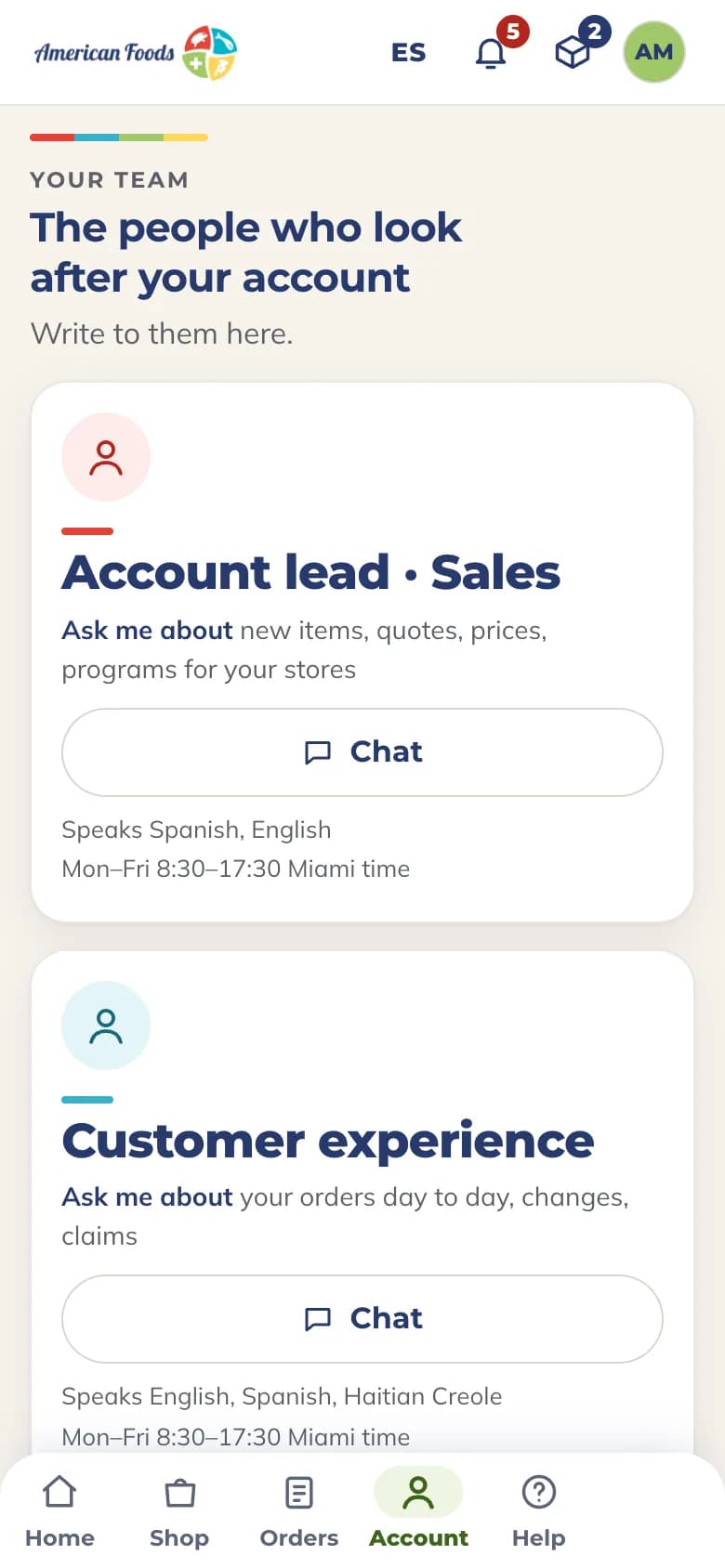
The people who look after your account, one message away.
See who looks after your account, by role: sales, customer experience, documents and logistics, credit and payments. Write to them from the portal.
A brand view is being built with our first brand partners.
If you represent a brand, these are your two ways in.
Talk to your brand manager.
Your American Foods brand manager can tell you about the brand view and how to take part.
Bring your brand to our markets.
Tell us about your brand and your priority markets.
Three steps to your first sign-in.
Request an account
Tell us about your business. If you already buy from American Foods, go to step two.
Your account manager sets up your access
Access is set up customer by customer, for the people on your team who need it.
Sign in with your work email
On a computer or a phone, in English or Spanish.
Your next container starts here.
Your American Foods account manager sets up your access.